
Mesh Wi-Fi vs. a Single Router vs. Ethernet: What Actually Fixes Dead Zones
Why your Wi-Fi drops in the back bedroom, and how to choose between a better router, a mesh system, or running hardwired ethernet in your Louisiana home.
The problem usually isn't your internet plan
People upgrade to a faster plan and then find the back bedroom is still unusable. Speed from the provider and coverage inside the house are two different things. If your speed test is fast next to the router and terrible three rooms away, more bandwidth won't help — the signal is what's failing.
Older Louisiana homes with plaster, brick chimneys, and metal ductwork are especially rough on 5 GHz signal. So are two-story layouts where the modem sits in a corner closet downstairs.
Option 1: A better single router
If your home is under roughly 1,500 sq ft and mostly open, one good Wi-Fi 6 router placed centrally and up high solves most complaints. The gains come from modern radios handling many devices at once — phones, cameras, TVs, thermostats — not just raw speed.
- Best for: apartments, smaller single-story homes
- Cost: lowest
- Key step: move it out of the closet and into the center of the house
Option 2: Mesh Wi-Fi
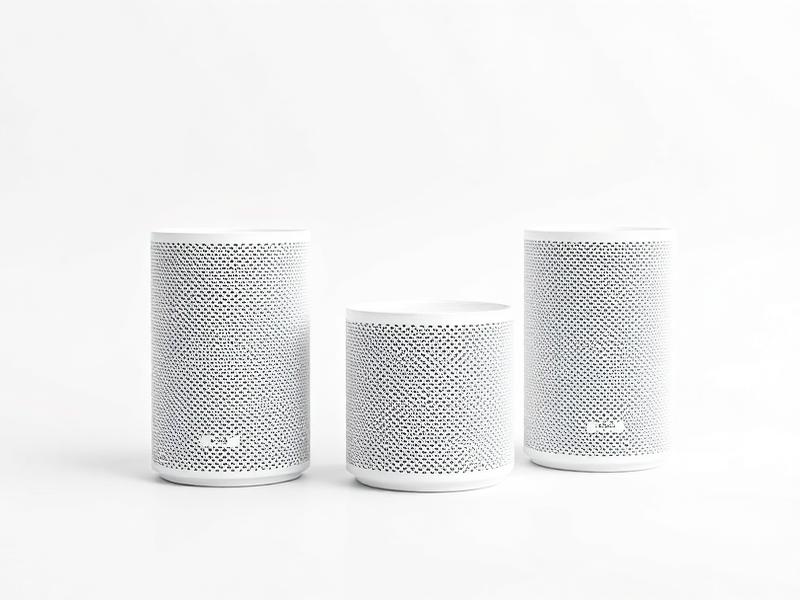
A mesh system uses two or three units that share one network name, so your phone hands off between them as you walk around. This is the right answer for most 2,000+ sq ft homes and for two-story layouts. Placement matters more than the brand: each node should sit where the previous one still has a strong signal, not at the far edge of the dead zone.
- Best for: larger homes, two stories, detached offices or shops nearby
- Cost: medium
- Key step: node placement and channel setup — this is where most DIY setups go wrong
Option 3: Hardwired ethernet
Ethernet is still the only thing that guarantees speed and stability. Running Cat6 to a TV, office, or gaming setup removes them from the wireless competition entirely — which also makes Wi-Fi better for everything else. In many homes the best setup is a hybrid: hardwired runs to the fixed devices, plus a mesh node fed by that wired backhaul.
- Best for: home offices, 4K streaming, gaming, security cameras, wired mesh backhaul
- Cost: highest up front, best long term
- Key step: planning the routes through attic or crawlspace before cutting anything
Quick way to diagnose your own house
Run a speed test standing next to the router, then in each problem room. If speeds near the router are good but fall off a cliff elsewhere, it's a coverage problem — mesh or ethernet. If it's slow everywhere including next to the router, call your provider or replace an aging modem/router combo first.
We can plan and install it
We install routers, mesh systems, and hardwired ethernet runs across Lafayette and surrounding areas — including attic and crawlspace runs, wall plates, and clean rack or shelf setups. If you're not sure which route makes sense, we'll walk the house and tell you straight.
Need it done right?
We install across Lafayette and surrounding areas, 8am–8pm every day — or shop the gear and do it yourself.